 Deepcoin
Deepcoin: when to use spot or perpetual trading
Deepcoin is a crypto exchange with spot trading, perpetual contracts and copy trading. Spot suits buying or selling supported assets; perpetuals provide long or short exposure without a scheduled expiry. Choosing when to hold perpetuals involves the intended price exposure, funding transfers and the margin available for deductions.
- Funding denomination
- USDT Perpetual Pro contracts calculate funding in USDT. Inverse BTCUSD contracts calculate it in BTC.
- Funding interval
- Usually eight hours. Trading pairs with high volatility can switch to one-, two- or four-hour intervals.
- Margin constraint
- A long paying positive funding can face liquidation if its position margin cannot cover the deduction.
Choosing a trading method and funding asset
Spot trading suits buying or selling assets in supported pairs with sufficient available balance. A fully filled order confirms the requested trade; submission alone does not. A long perpetual position takes exposure to rising prices; a short takes exposure to falling prices. Funding adds a separate transfer between position holders. At settlement, a positive rate makes longs pay shorts, while a negative rate reverses the payment direction.
For holding costs assessed in USDT, USDT Perpetual Pro provides a funding calculation in the same unit. Inverse BTCUSD produces a BTC funding amount, which requires assessment on a BTC basis. Its position value in BTC depends on the latest mark price as well as the contract's USD value.
The lack of a scheduled expiry allows a position to continue across multiple funding periods. Each settlement can change its accumulated holding cost, so the intended duration matters alongside the direction of exposure. Spot is the closer fit when the aim is to buy and hold the asset itself. Copy trading suits following a selected trader; direct trading suits choosing each order yourself. Contract copy trading uses its own list of supported contracts.
Holding a position across settlement
The selected pair's live rate and countdown help assess exposure across the next settlement. On desktop, both appear above the candlestick chart. The app shows the pair's current funding rate below the order book.
Rates generally update every minute, although refresh behavior varies by pair. Settlement uses the latest calculated rate, so an earlier displayed rate does not fix the final payment.
Funding on equal long and short position values
For this hypothetical comparison, consider a long and a short in USDT Perpetual Pro contracts. Assume each position remains open through settlement, with a position value of 7,432 USDT and an applied funding rate of +0.025%. These are hypothetical inputs, not live market values.
Funding amount = 7,432 × (0.025 / 100) = 1.858 USDT
.
The long pays 1.858 USDT and the short receives 1.858 USDT for that round. The percentage applies to the full 7,432 USDT position value. The short still has price exposure, so its funding credit alone does not establish an overall profit.
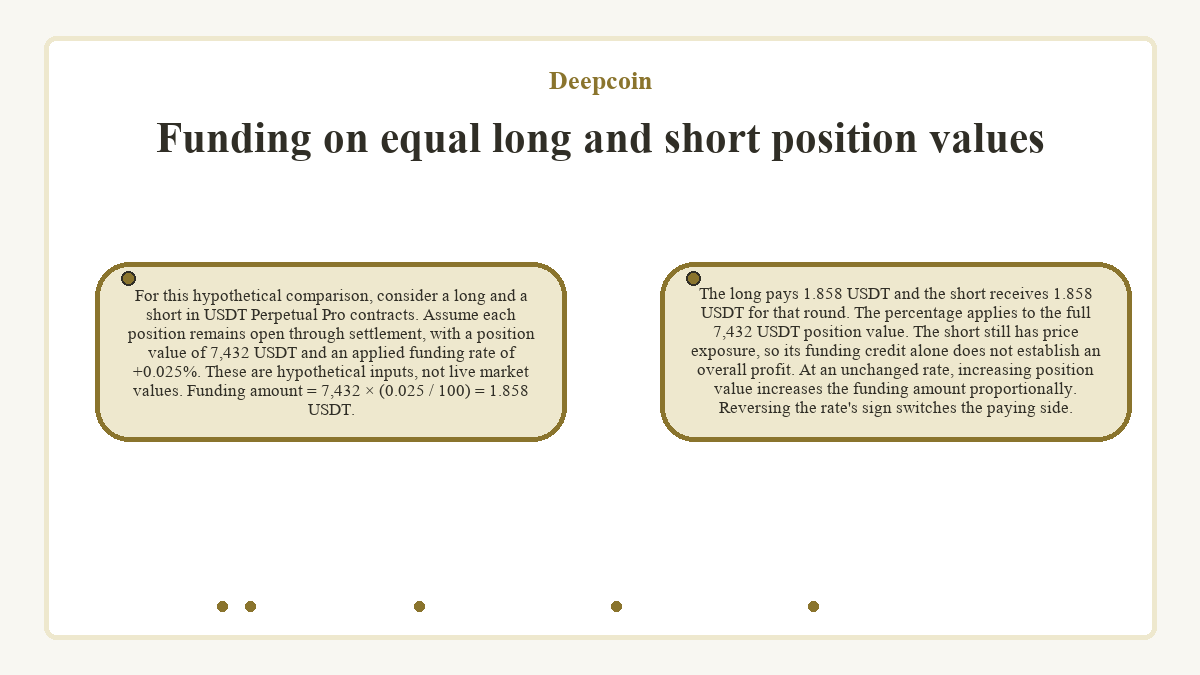
At an unchanged rate, increasing position value increases the funding amount proportionally. Reversing the rate's sign switches the paying side.
Exiting near the funding boundary
Fully closing a position before the scheduled settlement time avoids that round's funding. Newly submitted orders can face brief delays around settlement, so submitting a closing order does not confirm full closure.
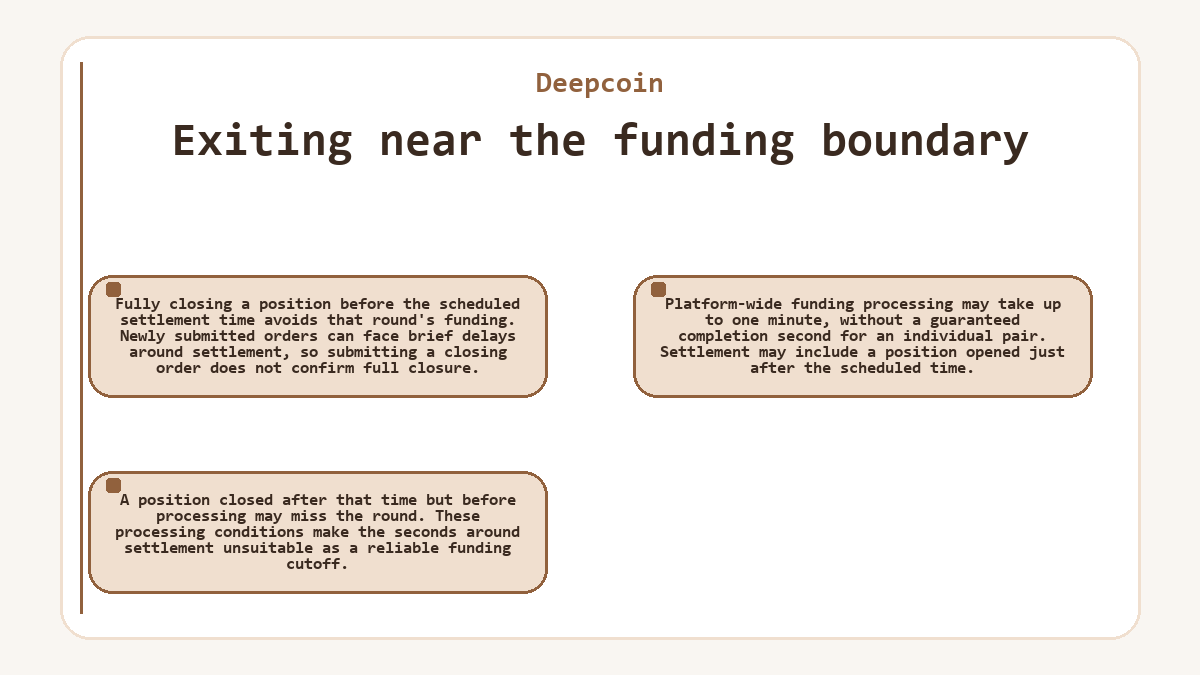
Platform-wide funding processing may take up to one minute, without a guaranteed completion second for an individual pair. Settlement may include a position opened just after the scheduled time. A position closed after that time but before processing may miss the round. These processing conditions make the seconds around settlement unsuitable as a reliable funding cutoff.
Checking actual debits and credits
Contract Info provides historical funding rates for the selected pair. These market records help compare past settlement conditions, but they do not establish a particular account's payment.
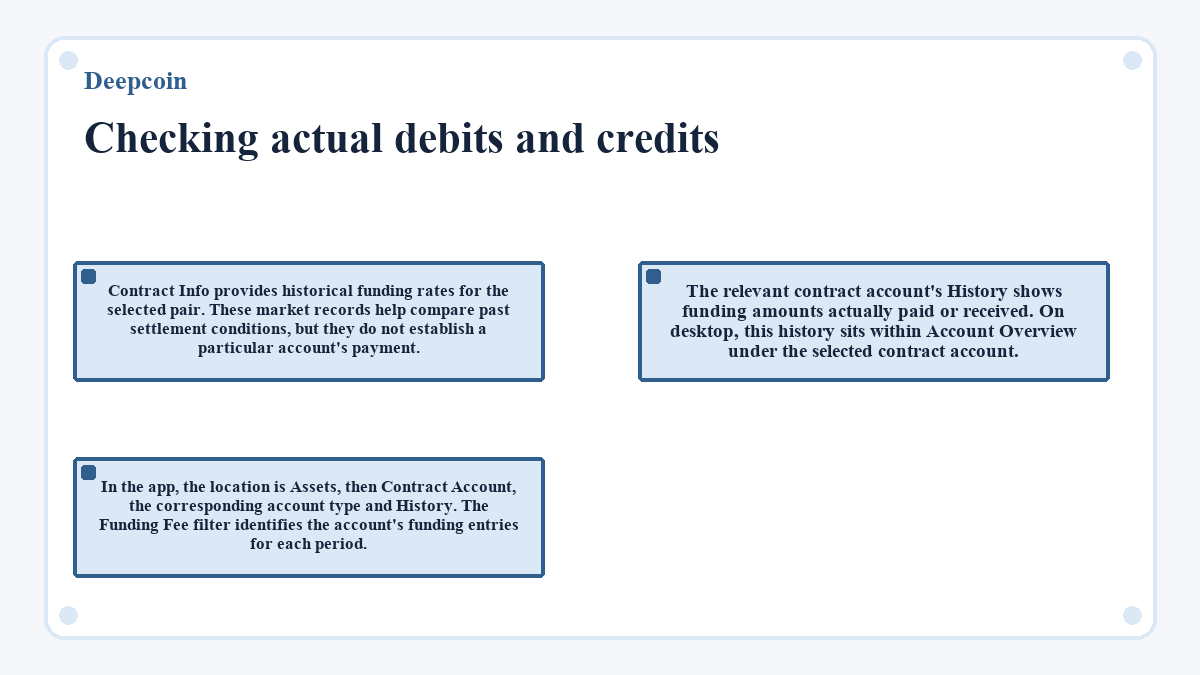
The relevant contract account's History shows funding amounts actually paid or received. On desktop, this history sits within Account Overview under the selected contract account. In the app, the location is Assets, then Contract Account, the corresponding account type and History. The Funding Fee filter identifies the account's funding entries for each period.